Account Aging & Expiry
Implement security policies by enforcing account expiration dates to limit temporary access.
1. Set Expiration Date
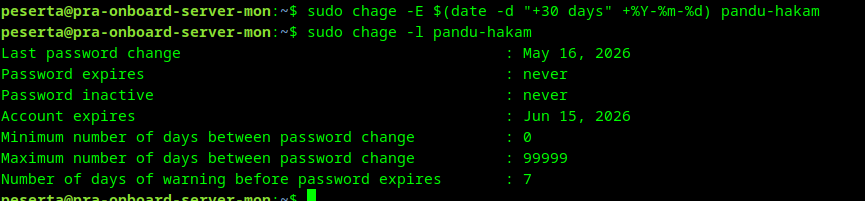
Configure the user account to expire exactly 30 days from the current date:
apply expiry:
sudo chage -E $(date -d "+30 days" +%Y-%m-%d) pandu-hakam
2. Verify Expiry Status
Check the account aging information to confirm the expiration limit:
check expiry:
sudo chage -l pandu-hakam
info
Once the "Account expires" date is reached, the user will be unable to log in until an administrator manually extends the limit.