User Provisioning & SSH Security
Initialize a new system user on the monitoring server and generate cryptographic keys for secure authentication.
1. Create System User
Provision a new administrative user with a home directory:
create user:
sudo useradd -m -s /bin/bash pandu-hakam
set password:
sudo passwd pandu-hakam

2. Generate SSH Keypair
Generate an Ed25519 SSH keypair (recommended for security and performance) for the new user:
switch to user and generate key:
sudo -u pandu-hakam ssh-keygen -t ed25519 -N "" -f /home/pandu-hakam/.ssh/id_ed25519
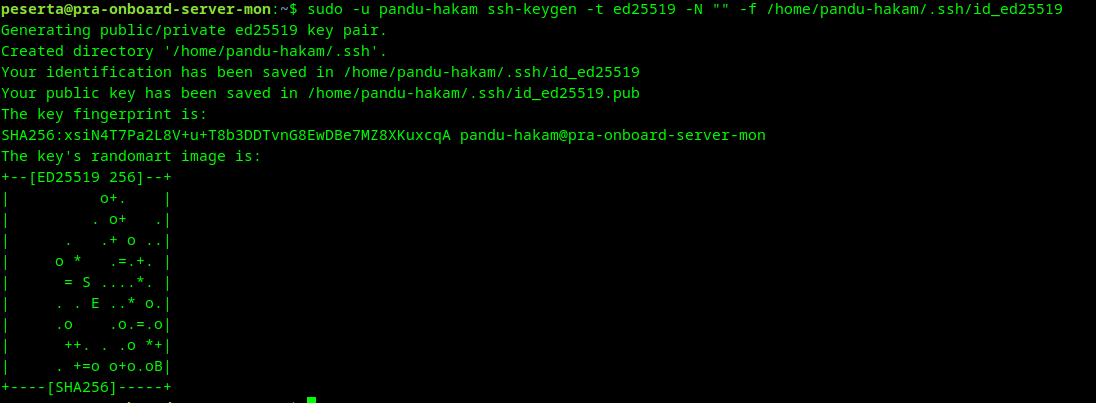
info
The -N "" flag creates an empty passphrase, while -t ed25519 specifies the modern elliptic curve algorithm.